Axios : Supply Chain Attack
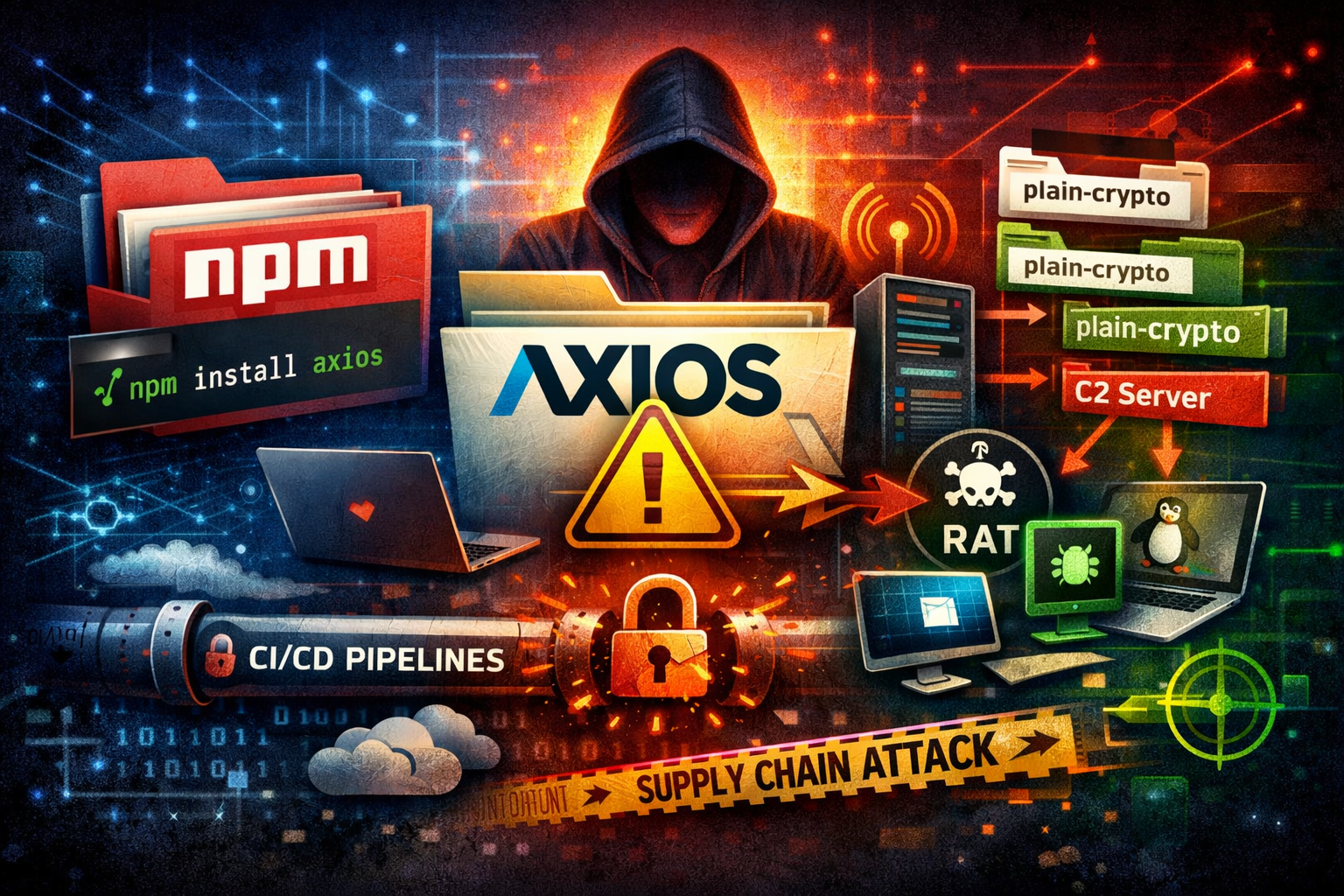
🚨 Axios Supply Chain Attack = Simple Explanation of What Happened
A major software supply chain attack has just impacted the JavaScript ecosystem, targeting one of the most widely used libraries in modern development: Axios.
Because Axios is used by millions of applications worldwide, this incident has serious implications for developers, companies, and production environments.
This article explains in simple terms what happened, how the attack worked, and what you should do now..
🧩 What is Axios (and Why This Is Serious)?
Axios is a popular JavaScript HTTP client used to send requests between applications and servers.
In practice, this means:
- Web applications use it
- Backend services use it
- CI/CD pipelines use it
- Developer tools depend on it
- Thousands of npm packages include it indirectly
Axios receives over 100 million weekly downloads on npm.
👉 So when Axios is compromised, it isn’t just one project affected, it’s potentially a large portion of the internet’s software supply chain.
⚠️ What Happened?
An attacker gained access to an Axios maintainer’s npm account.
This allowed the attacker to:
- Publish malicious versions of Axios to the npm registry.
- Inject a hidden dependency containing malware.
- Automatically infect systems running
npm install.
This was not a vulnerability or CVE.
It was an account takeover → malicious package release.
🧨 The Malicious Versions
The compromised releases included:
axios@1.14.1axios@0.30.4
These versions secretly added a fake dependency:
1
plain-crypto-js@4.2.1
This package:
- Did not previously exist
- Was not required by Axios
- Was created purely to run malware
This is a classic typosquatting / dependency injection technique.
💣 How the Infection Worked (Step by Step)
1️⃣ Developer or pipeline installs dependencies
1
npm install
If executed during the exposure window (~3 hours), the malicious version could be downloaded.
2️⃣ Post-install script executes automatically
The fake dependency contained a postinstall script.
npm automatically runs these scripts after installation.
➡️ No user interaction required.
3️⃣ Malware is downloaded
The script:
- Decoded obfuscated payloads
- Detected the operating system
- Downloaded a platform-specific RAT (Remote Access Trojan)
Supported targets:
- ✅ Windows
- ✅ Linux
- ✅ macOS
4️⃣ Command & Control Connection
The malware contacted a remote server:
1
sfrclack.com:8000
This allowed attackers to:
- Control infected machines
- Execute commands remotely
- Exfiltrate data
🖥️ What the Malware Did
On Windows
The RAT:
- Created persistence via registry autorun keys
- Executed PowerShell payloads
- Enumerated sensitive folders:
- Desktop
- Documents
- OneDrive
- AppData
- Uploaded files to attacker infrastructure
- Allowed remote command execution
On Linux & macOS
- Python-based RAT
- Similar data access behavior
- No persistence mechanism observed
- Likely targeted CI/CD environments for secrets theft
⏱️ Why This Attack Is Scary
The malicious packages were live for only a few hours.
But attacks began extremely fast:
- First compromise detected ~90 seconds after publication
- CI/CD systems automatically installed updates
- Thousands of automated environments pulled the package immediately
Modern development automation amplified the attack.
🔗 Why Supply Chain Attacks Work So Well
Developers trust package ecosystems.
Today’s reality:
- Applications depend on hundreds of packages
- Packages depend on other packages (transitive dependencies)
- Install scripts execute automatically
So when one trusted dependency is compromised:
➡️ Trust propagates malware at internet scale.
This is similar in spirit to incidents like Log4Shell not because of a vulnerability, but because of ecosystem reach.
🔍 Root Cause (So Far)
Current understanding:
- Maintainer account compromised
- Email changed
- Malicious package published using valid permissions
- MFA was reportedly enabled
- Possible recovery code abuse or token compromise
A full root cause analysis is still ongoing.
🛑 Immediate Mitigation Steps
If you use Node.js or npm:
✅ 1. Check dependency versions
Inspect:
package.jsonpackage-lock.jsonyarn.lock
Look for:
1
2
3
axios@1.14.1
axios@0.30.4
plain-crypto-js
✅ 2. Assume compromise if installed
If these versions ran:
- Rotate ALL credentials
- API keys
- Tokens
- Cloud secrets
- CI/CD secrets
Do not assume systems are safe.
✅ 3. Hunt for Indicators of Compromise
Look for:
- Unexpected PowerShell execution
- Unknown Python processes
- Suspicious outbound connections
- Persistence registry keys (Windows)
✅ 4. Rebuild Critical Systems
For production or CI hosts:
- Reimage or rebuild environments
- Avoid partial cleanup
📉 The Bigger Lesson
This attack highlights a growing reality:
The biggest risk is no longer vulnerabilities, it’s trust.
Modern software development relies heavily on open-source ecosystems. A single compromised maintainer account can impact thousands of organizations instantly.
Supply chain security is now a primary cybersecurity battlefield.
🧠 Key Takeaways
- Axios npm package was maliciously updated after account takeover.
- Malware executed automatically during
npm install. - Cross-platform RAT deployed.
- CI/CD pipelines were prime targets.
- Exposure lasted only hours but impact may last weeks.
🚨 Final Thought
This incident is a wake-up call:
Automation makes development faster but also makes attacks spread faster than ever.
Organizations must begin treating dependency security as production security, not just developer convenience.